
As most of us seem to be in the process of learning how to post avatars and images in our replies, I thought I would put together a few comments.
If you find something incorrect or an ommission please jump in and maybe we'll come up with a final version that will be acceptable.
IMAGE POSTING
1. Any images or avatars have to uploaded to a site that allows remote viewing such as www.photobucket.com - a free image hosting server.
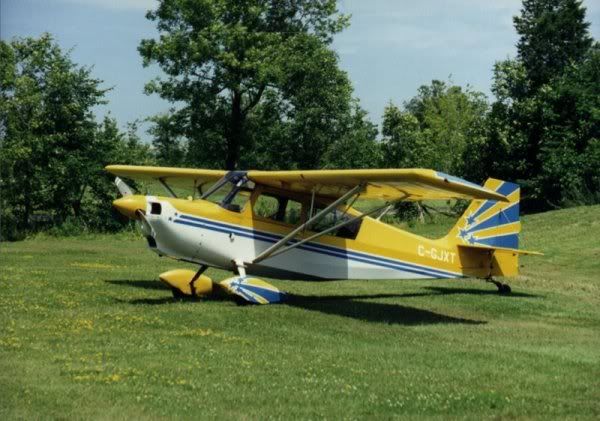
Images should be kept to a 750 pixel width to accomodate people with their computers set to 1024 x 768 screen resolution - otherwise they have to keep scrolling back and forth to read the messages. See sample image at the bottom.
2. To post the image to NAA select the IMG option at the bottom of the picture.
Do this by highlighting the option by left clicking once.
Then right click - and COPY
Go to NAA - select where you want to put the image by left clicking once - then right click - then PASTE.
You will see a similar line as below
This is your image code.
3. Go to PREVIEW at the bottom of the screen and click it and you will see a Preview of your message.
4. Go to SUBMIT and left click and you are done.
Bill French


