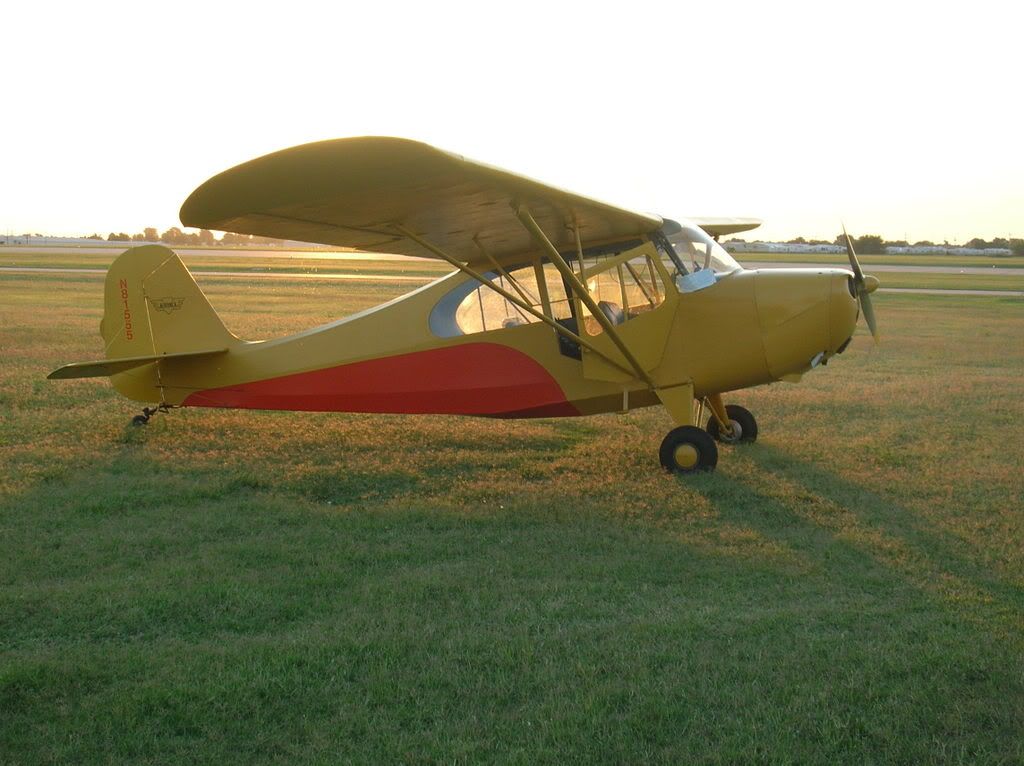
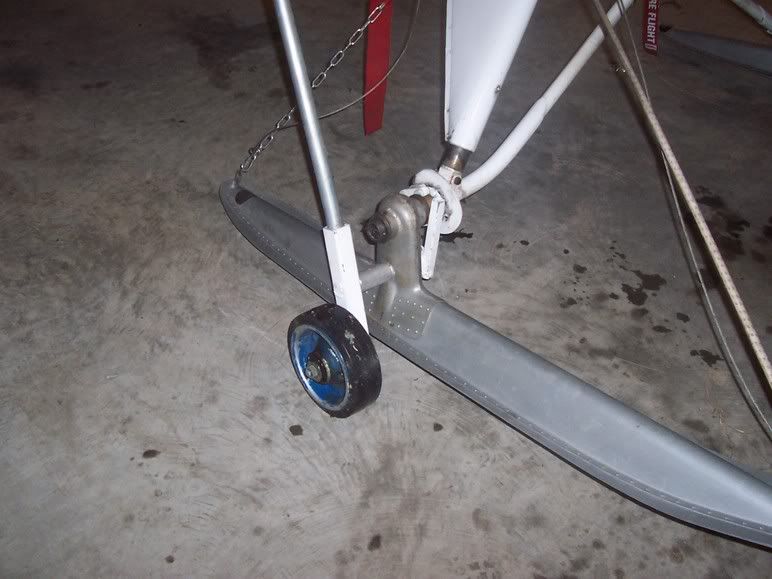
Sure thing Jeff, here you go.......
1) Go here...
www.photobucket.com and register/join (it's free)
2) Once you're in photobucket, click on "My Album"
3) At the top of the page you'll see 3 buttons that way "browse"
4) Click on one of them, and find the pic on your computer you want to upload.
5) Click "Up Load"
6) Once the pic has been uploaded to photobucket, you'll see it in your album. There are 4 lines of code below the pic, Copy the code that starts with (IMG) (4th down)
7) Now back to the NAA forum, paste the code in your post and the pic should appear.
8) It should look something like this...

9) Then click "Preview" and the pic should appear like this....

Photobucket will automatically resize images to 800/600, which is nice because they load faster on slow connections.
Now lets go a little deeper and more advanced into posting pics. You can make a photo appear as a thumbnail, but still have an active link so when you click on the picture; the large original appears. Like this...

Thumbnail Photos:
1) Upload your photo into Photobucket
2) In the 4 lines of code beneith the pic, copy the "Direct Link" code (2nd line down)
3) Back to the NAA forum. On the message page, you'll see several buttons below the 'Subject' line including the
Bold,
Italic, [ IMG ] and [
ULR ] buttons.
4) Click the [
ULR ] button.
5) Now in the text that has appeared in the post (
) insert an = sign and paste the previously copied Code after it.
From this... [url ]
To this... [url=http://i23.photobucket..com/albums/b391/nato2120/DSCN1365Medium.jpg]
6) Directly after the last "]" and with no spaces, click on the {img} button
Like this... {url=http://i23.photobucket..com/albums/b391/nato2120/DSCN1365Medium.jpg}{img}
7) Next, paste the code
Like this... {url=http://i23.photobucket..com/albums/b391/nato2120/DSCN1365Medium.jpg}{img}http:.//i23.photobucket..com/albums/b391/nato2120/DSCN1365Medium.jpg
8) Here's the important part... After the last forward slash (/) add th_
Like this... {url=http://i23.photobucket..com/albums/b391/nato2120/DSCN1365Medium.jpg}{img}http:.//i23.photobucket..com/albums/b391/nato2120/th_DSCN1365Medium.jpg
9) Click the {URL} button to close the tags and you've got it.
Like this...
{url=http://i23.photobucket..com/albums/b391/nato2120/DSCN1365Medium.jpg}{img}http:.//i23.photobucket..com/albums/b391/nato2120/th_DSCN1365Medium.jpg{/img}{url}
And the final product....
[url=http://i23.photobucket.com/albums/b391/ ... Medium.jpg]
nkh

 ?
?